Download Azeroth Survivors for Windows
Official download
🔒 100% free · official developer file · no account · rules
🐌 Download slow, or keeps getting cut off? As a backup, try a player-shared mirror:
-
Windows build mirror ↗
(code:
hzr9) -
Linux build mirror ↗
(code:
yzpj)
Mirrors are player-shared, not developer-hosted — we can’t verify their contents, so the official button above stays the safe default.
Your download should begin shortly. While you wait, pick a page below.
Download didn't start? · Download again · Linux build · Discord
While it downloads
Pick a page — no need to wait here
 First 5 minutes Start hereControls & first boss
 Pick a class9 classes, beginner ratings
 Builds & talentsWhat to pick, in order
 Tier listStrongest classes ranked
 Maps & bossesZone timers & routes
 What changedVersion & patch notes
More: talents · items · co-op · achievements · browser support · addons · save backup
720 MB published October 19, 2026 checked daily
The game is free. The official Windows build skips browser rate limits entirely; we link the developer’s official file and host nothing ourselves.
Official archive hosted by the developer (Aethus) — unpack and run; no installer, no account. The file is served by the developer’s host, so your browser will ask where to save it and speed depends on their server. File details come from the developer’s own server and are re-checked every day: AzerothSurvivorsWindowsNew.rar · 754,921,096 bytes (720 MB) · published October 19, 2026. If your download finishes at a smaller size, it was cut off — grab it again or play in the browser.
Web build v0.145.2 (November 19, 2026) · Windows package last modified October 19, 2026 (server-reported; desktop version unconfirmed) — version status →
Checked against v0.145.2Updated October 2026
Install in three steps
1 · Download
Grab the official .rar from the button above (developer-hosted file).
2 · Unpack
Right-click → extract with 7-Zip, WinRAR or Windows 11’s built-in unzip.
3 · Play
Run the game executable. No installer, no launcher, no login.
Running Linux? Unpack with tar --zstd -xf AzerothSurvivorsLinux.tar.zst, then
launch the extracted binary. Both archives are served by the developer’s own hosts — this
site hosts no game files.
Every official build in the developer’s file folder
The developer’s own file host lists the current and older builds. These are direct links to the developer’s files — we do not re-host a single byte.
| File | Platform | Size | Published |
|---|---|---|---|
| AzerothSurvivors 0.81.0 WEB.rar | Windows build | 568 MB | October 13, 2026 |
| AzerothSurvivorsWindows.rar | Windows | 568 MB | October 9, 2026 |
| AzerothSurvivorsWindowsNew1.rar | Windows | 573 MB | October 14, 2026 |
Browser vs Windows build
| Browser (play here) | Windows build | |
|---|---|---|
| Setup | None — just open | Download + unpack |
| Rate limits | Popular hours can be limited (errors/queues) | Plays without competing for server capacity |
| Requirements | WebGPU browser (current Chrome/Edge/Safari) | Modern Windows PC |
| Updates | Always latest | Check the official Discord for new builds |
| Price | Free | Free |
Download not working?
Builds get renamed, mirrors go down, and 700 MB downloads get cut. Three ways out, none of them needs us:
▶ Play in the browser
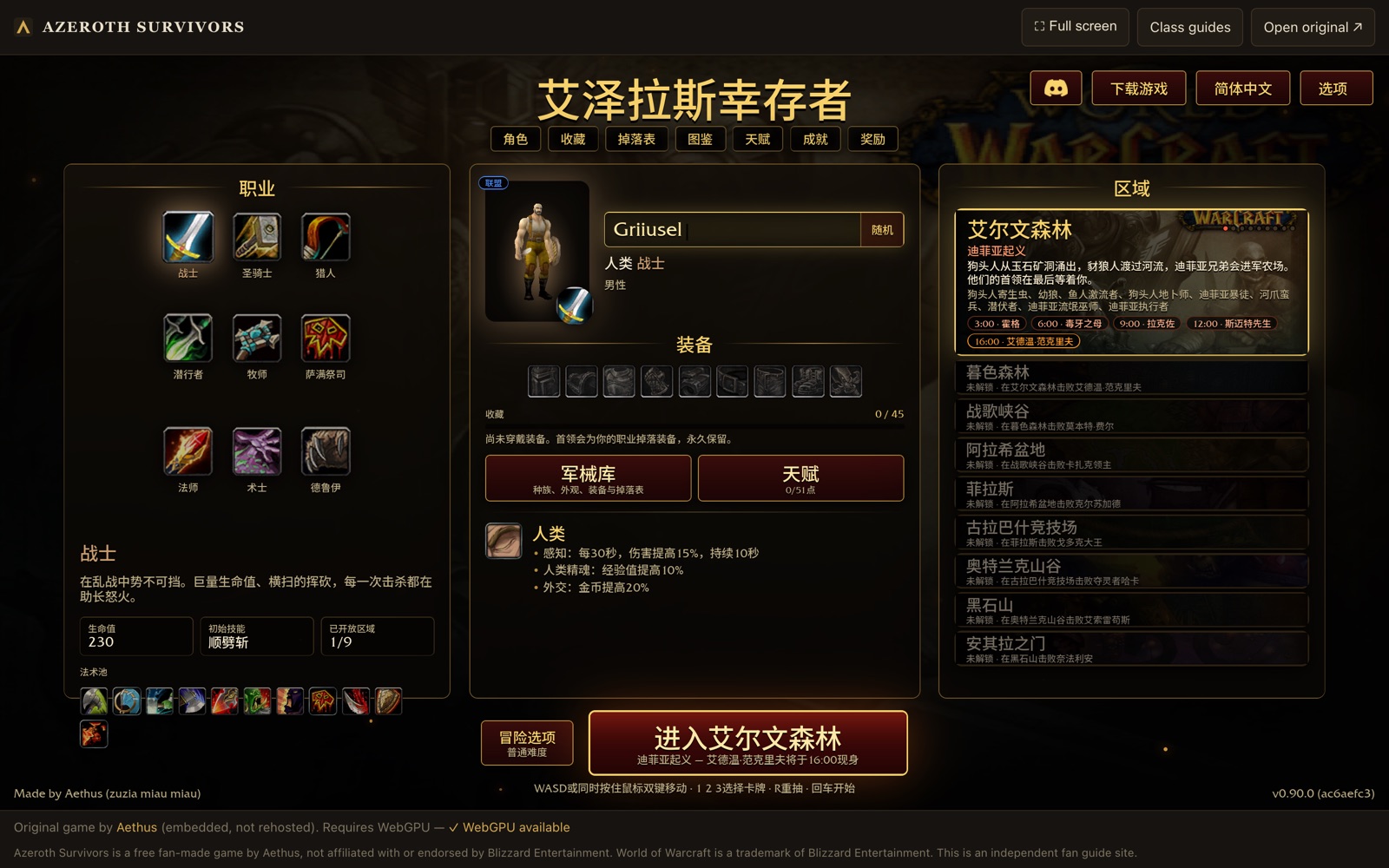
No download, always the current version. Open the game ↗
💬 Ask on Discord
The developer posts build news and fixes there. Official Discord ↗
📁 Other official builds
Older Windows builds and the Linux archive live in the developer’s file folder. Open the folder ↗
Slow rather than broken? The player-shared mirrors under the main download button may be faster on your route.